


①
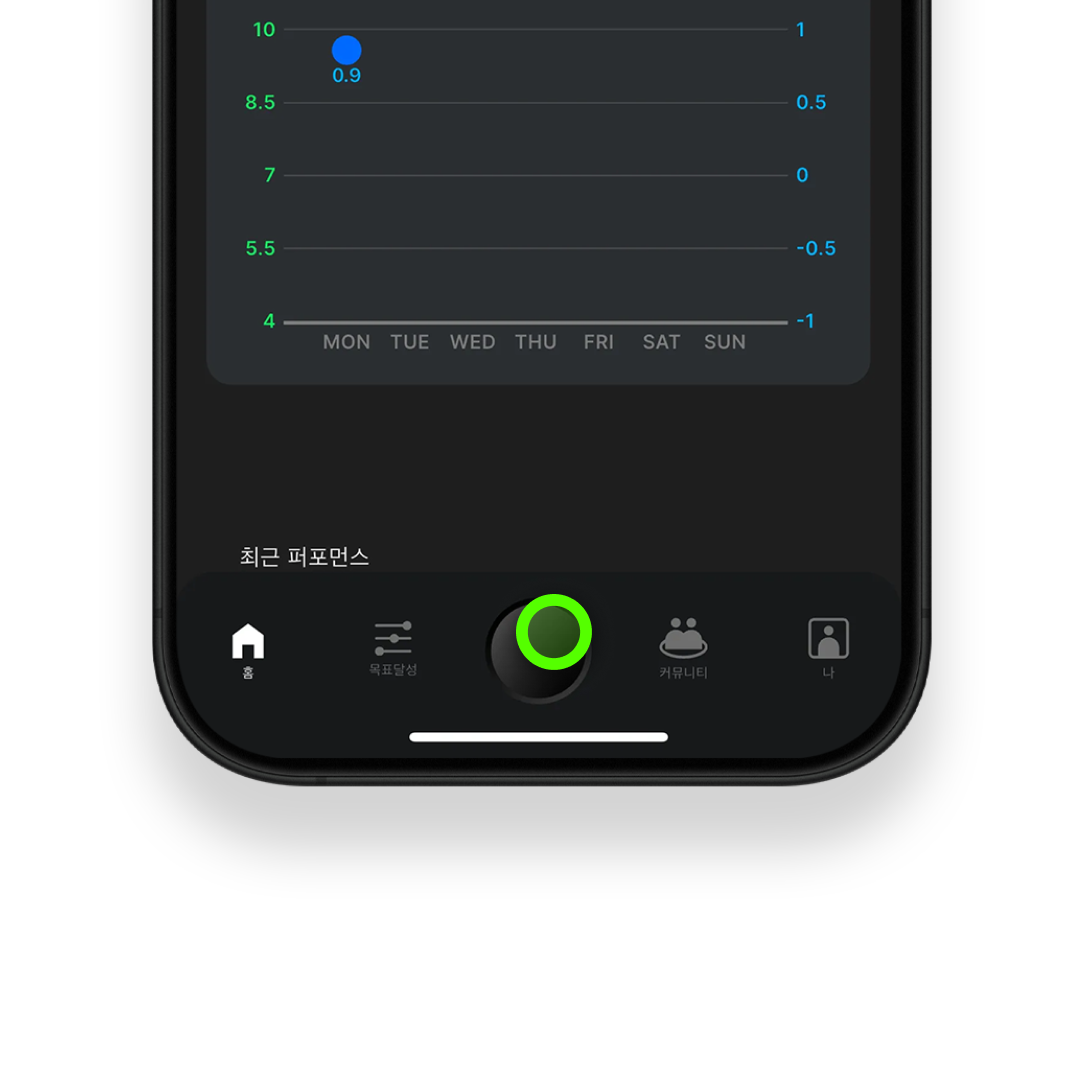
Press and hold the round button at the bottom center of the BEE for 2–3 seconds.

②
Check that Bluetooth is enabled on your smartphone, then tap the LINK button in the SOCCERBEE app.

③
Follow the on-screen instructions and keep the BEE close to your smartphone while waiting.

④
If the connection is successful, check if the serial number displayed on the screen matches the serial number on the back of the device.
