


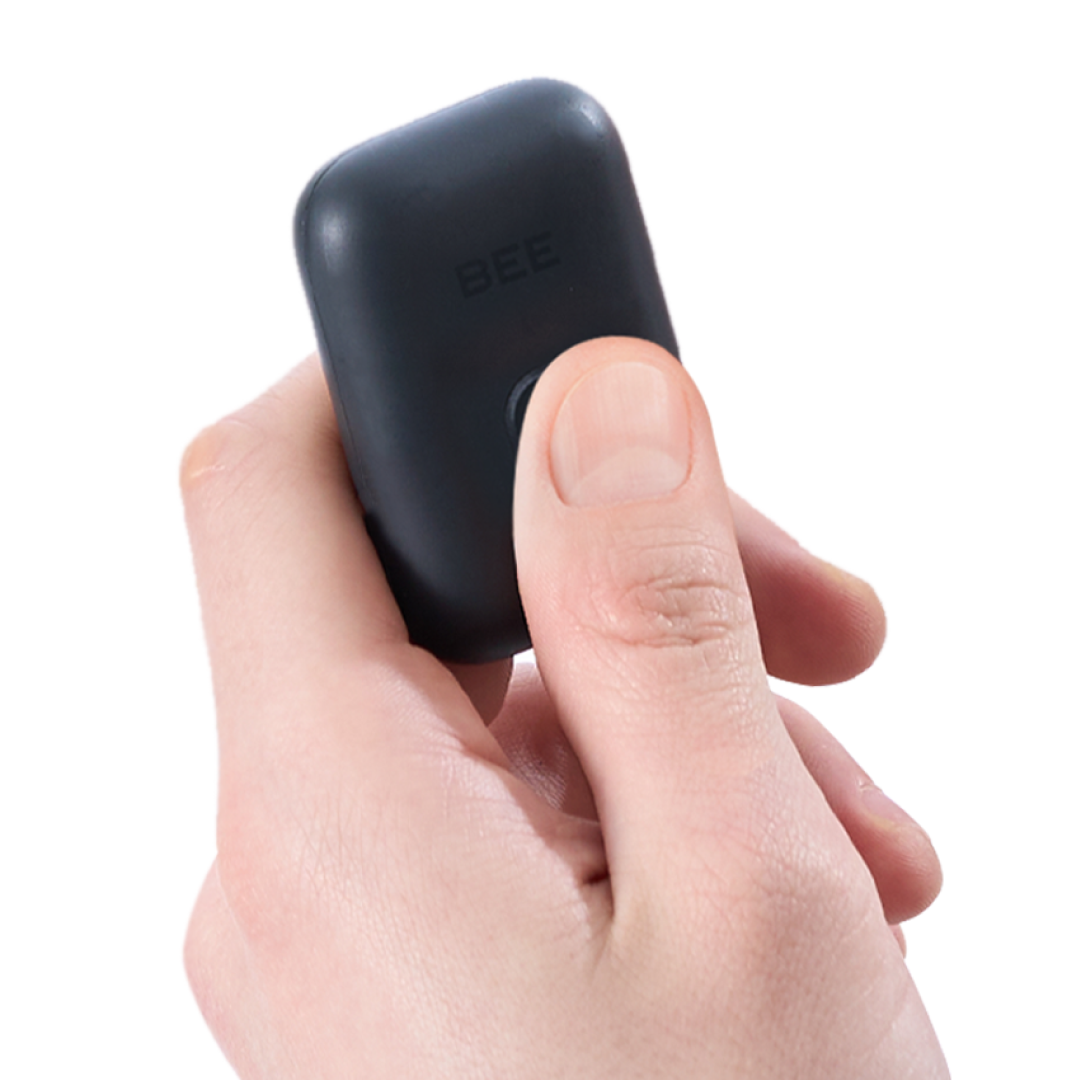
Power On
① Press and hold the round button at the bottom center of the BEE for 2–3 seconds.

②
After the green light turns on and the blue light starts blinking, the device has powered on successfully.

Power Off
① While the blue light is blinking, press and hold the center button of the BEE for 2–3 seconds.
②
When the green light turns on and then goes off, the device has powered off successfully.

Charging Method
Use the A to C cable included in the package to connect the adapter and charge the device.
(Adapter not included.)

LED Status Indicator Guide
When pressing the button
• Low Battery: The red light blinks quickly, then turns green.
• Fully Drained: No LED lights up when pressing the button.
• Sufficient Battery: The green light turns on, then switches to blue.
While Charging
• Normal Charging: The red light blinks slowly.
• Charging from Fully Drained: The red light blinks quickly, then turns green.
(After approximately 10 minutes of charging, unplug the cable and then reconnect it to continue charging.)
• Charging Complete: The green light remains solid.